


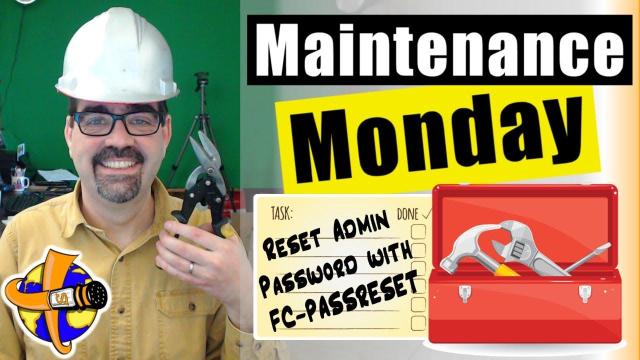
If you have forgotten your #Joomla super admin password, or are helping someone who has forgotten their own password for their Joomla site, and you don't feel comfortable using some of the other database methods that do so, using "FC-Password" is a great alternative. FC-Password is a little file you upload to the same folder as your Joomla install. It gives you a list of all your users and allows you to reset the password of one of them. How to change a lost or forgotten Joomla Admin password with FC-Password is what today's #maintenancemonday is all about.
- The video is part of "Maintenance Monday Live Stream #035" on YouTube.
- The video is about resetting the SuperUser password in Joomla.
- The presenter, Tim Davis, mentions different methods to reset passwords.
- He introduces a tool called "fc-PassReset" for resetting Joomla passwords.
- Tim provides steps for downloading and using the tool:
- Download the tool from a German website (www.fchyphenhosting.d.c).
- Extract the tool from the downloaded zip file.
- Upload the tool to your Joomla site's folder.
- Access the tool on your Joomla site's homepage.
- Select the user account and reset the password.
- After using the tool, it removes itself.
- Tim recommends changing the password immediately after resetting it.
- The video ends with a discussion about password management tools like LastPass.
- There's a mention of potential collaboration with Mary and the use of Zoom or Google Hangouts for screen sharing during future live streams.
SUBSCRIBE TODAY! ► https://goo.gl/N6y5bH

 Watch Me Work live streams ►
  • Find and Replace ...
Here are some of the links mentioned in this Live Stream - and some others:
Contact Tim Davis ►
Joomla Training Cohort ► https://cybersalt.com/jtc
mySites.guru ► https://mysites.guru
MigrateMe 4 ► https://www.php-web-design.
Stageit for Joomla ► • First Look at Sta...
Backing Up Your Joomla Site with Akeeba ► • How to Backup a J...
Better Frontend Link ► https://regularlabs.com/
FOLLOW US ON TWITTER! ► @basicjoomla
Like Us On FaceBook! ► https://www.facebook.com/

Add comment